Important rules and recommendations for creating a user interface
Knowing the basic rules of creating a user interface increases software success and helps meet users' needs.
The Importance of Creating a User Interface
User interface (UI) and user experience (UX) are among the most important aspects of modern mobile development. A good interface allows users to intuitively and comfortably use it, which increases application success.
Knowing important rules and approaches in creating an interface helps meet users' needs and increase interest in the app.
Basic Design Principles
It is important to follow several basic principles when creating a user interface:
- Simplicity: The interface should be as simple and understandable as possible. Users must find necessary information without spending much time.
- Convenience: Actions for users need to be convenient and intuitive. Buttons and other elements should be easy to see and use by the user.
In addition, color and font selection is also important when creating a design. Colors must match each other and ensure contrast.
Responsive Design
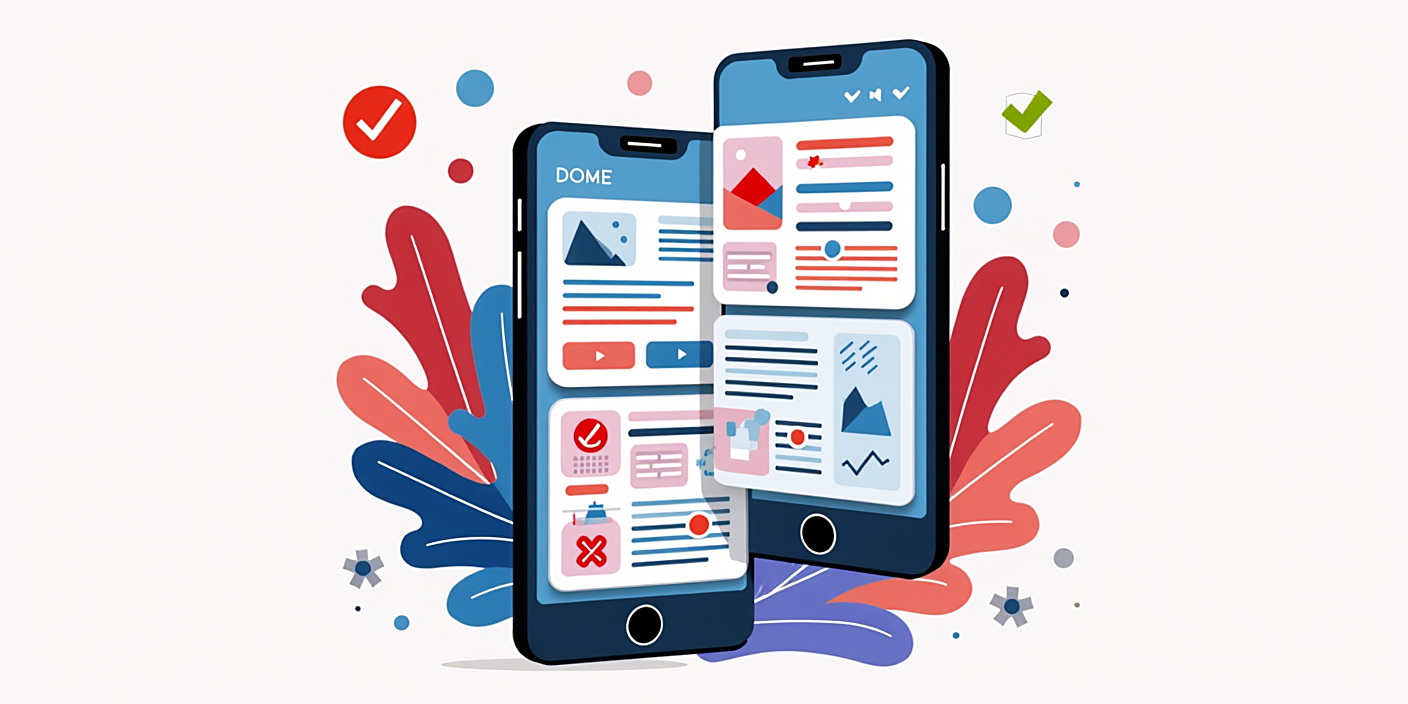
Creating responsive designs for mobile users is very important. This ensures that the interface adapts to different screen sizes.
The main methods of implementing responsive design are as follows:
- Flexbox and Grid: With CSS Flexbox and Grid technologies, it's easy to manage element placement and dimensions.
- Media queries: Allows applying different styles based on screen size. This provides users with a convenient interface.
User Experience Testing
Testing user experience is very important when creating an application's interface. It helps identify how users interact with the interface, difficulties and needs.
You can use the following methods during testing:
- User tests: Observing how users work with the app allows identifying errors.
- Surveys: Getting feedback from users provides an opportunity to improve the interface.
FAQ
What programs can be used for creating a user interface?
You can use Adobe XD, Figma and Sketch among others for creating a user interface.
What is responsive design?
Responsive design refers to an approach that ensures the interface looks good and is easy to use on various devices such as phones and tablets.
How can you test an interface?
User testing and surveys can be used to gather feedback when testing an interface. This helps better understand user needs.
How should features be selected?
Selecting features requires understanding user needs, analyzing trends, and monitoring competitors.
Is it necessary to update the design?
Probably, the interface must be updated to meet users' needs and keep up with technological changes, so regular updates are important.
Conclusion
Knowing the basic rules of creating a user interface increases software success. A simple, convenient, and responsive design helps satisfy user needs. In addition, testing the user experience is also very important.